
Getting Started with Chatbots

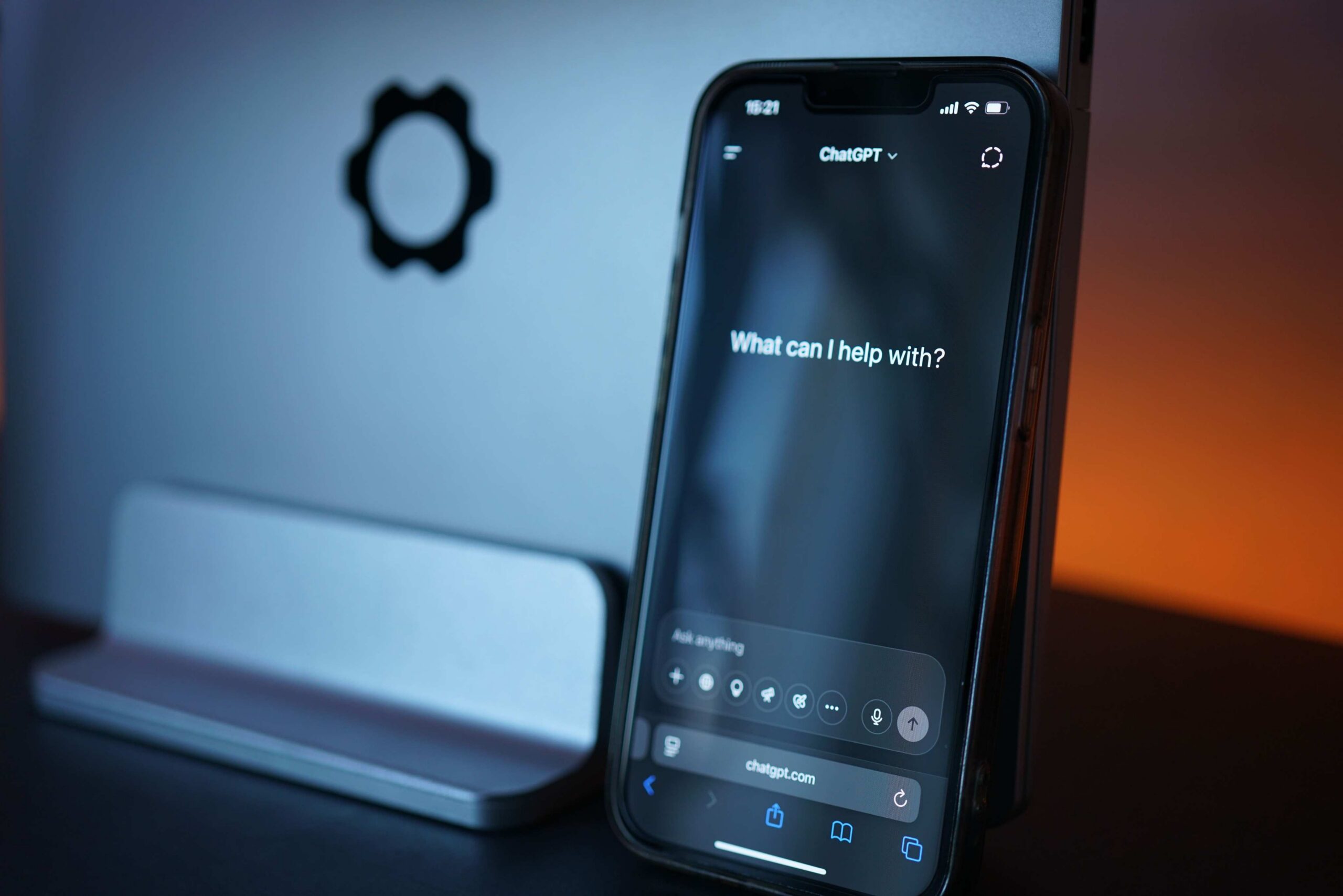
This chatbot course turns you from a curious beginner to a confident AI engineer. No prior expertise needed.
Through hands-on lessons, you’ll master chatbot essentials: how they work, why businesses need them, and how to build your own using Amazon Lex, Google Dialogflow, and Microsoft Bot Framework. Deploy your bot on Facebook Messenger, Slack, and more. Then watch it chat live with users.
By the end, you’ll be scripting AWS Lambda functions, setting up webhooks, and designing conversational flows that handle interruptions like a boss.
What You`ll Learn on This Course
- Building chatbots using Amazon Lex and Google Dialogflow.
- Creating and deploying custom chatbots with Microsoft Bot Framework.
- Writing and integrating AWS Lambda functions for chatbot logic.
- Setting up and managing webhooks for dynamic responses.
- Designing conversational flows and handling user interruptions with follow-up intents and contextual responses.
- Deploying chatbots on platforms like Facebook Messenger, Slack, and Google Assistant.
- Configuring intents, utterances, and slots for natural interactions.
- Using Dialogflow’s console for bot management and testing.
- Publishing bots to Azure and managing them via Bot Framework.
- Applying AI and machine learning concepts in chatbot development.
- Generating security tokens and managing chatbot access.
This course comes with:
Curriculum
- 1 Section
- 0 Lessons
- 26 Weeks
Expand all sectionsCollapse all sections
- Lesson Plan
1. Introduction
- What are Chatbots?
- What Makes Chatbot?
2. How Chatbot Works
- How Chatbot Works
3. What is the Need for a Chatbot?
- What is the Need for a Chatbot?
4. Conversational Flow
- Conversational Flow?
- Handling Interruptions
5. Amazon Lex and AWS Account
- Amazon Lex
- Setup AWS Account
6. Create Bot Using Amazon Lex
- Terminology
- Getting Started
- Name your Bot
- Intents
- Utterances
- Compile your Bot
- Test the Bot
7. AWS Lambda Function
- Working with Lambda Functions
- Enable Lambda Functions
- Create a Lambda Function
- Test the Lambda Function
- Integrate with Intent
- Again, Build your Bot
8. Slots
- The Definition
- An intent Supporting Slot
- Add a Slot
- Test the Intent with Slots
9. Error Handling
- Error Handling
10. Deploy the Chatbot in Facebook Messenger
- Facebook Developer Account
- Add your First Product
- Token Generation and Security
- Publish the Bot
- Deploy the Bot on Facebook Messenger
- Subscribe to Webhook
- Add Button for the Bot
11. Live Chatbot on Facebook
- Conclusion
12. Dialogflow Account
- Dialogflow Account
13. Creating a Bot in Dialogflow
- Create Agent
- Create Intent
- Default Welcome Intent
- Book a Table Intent
- Action Parameters
- Default Response
- Follow-up Intent
- No Intent
- Yes Intent
14. Dialogflow Console
- Dialogflow Console
15. Integrating the Bot with Slack
- Technical Requirements
16. Chatbot Using Microsoft Bot Framework
- Installing Bot Framework
- Bot Framework Emulator
17. Publishing the Bot from Visual Studio to Azure
- Publishing the Bot from Visual Studio to Azure
18. Register the Bot
- Register the Bot
19. Dialogflow.v2 SDK
- Dialogflow.v2 SDK
20. Webhooks in Dialogflow
- BotModel
- Model Mapper
- Intent Handlers
- Intent List
- Intent Router
- Dialogflow Controller
0