

CompTIA Linux+

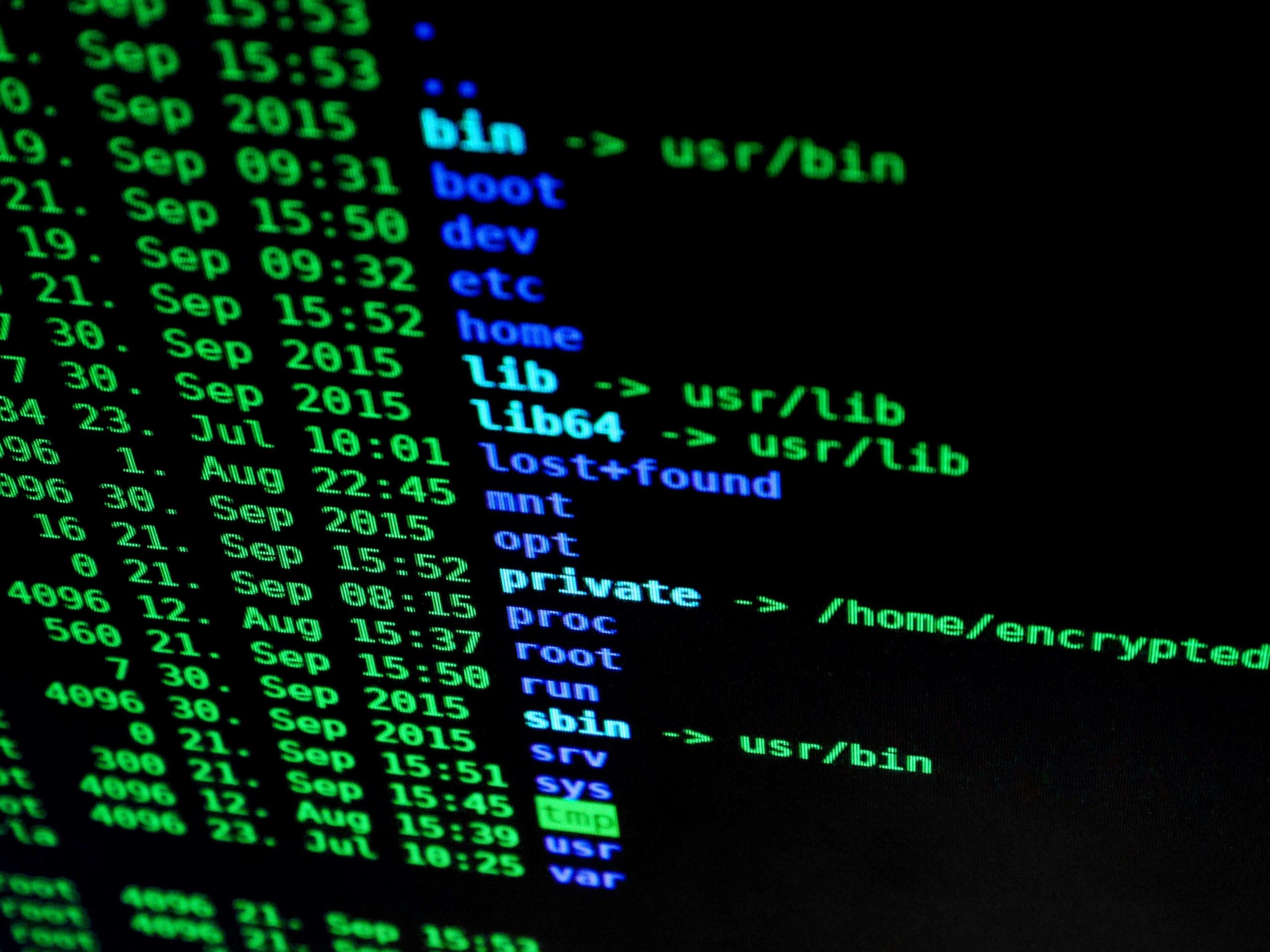
The CompTIA Linux+ courses cover everything from basic Linux operations to advanced system administration. Whether you are managing servers, automating tasks, or securing Linux commands, scripting, security, and system management.
Take your career to the next level with the CompTIA Linux+, the globally recognized certification for Linux Professionals which is stepping stone for a higher-level, vendor-specific certification, as well as advanced roles such as DevOps Engineer, cloud engineer.
By proving your ability to essentially work with the operating systems that powers the majority of the world’s web servers, cloud environments as well as supercomputers, the Linux+ courses offer a significant opportunity to kick start your career.
What You`ll Learn on This Course
-
- System Navigation & File Management: Access your files, directories, as well as Linux command-line tools.
- User & Permission Management: Create users, groups, as well as manage permissions securely.
- System Monitoring & troubleshooting: Diagnosing & resolving common Linux issues.
- Advanced Linux Administration: Managing processes as well as storage, and services efficiently.
- Network & security: Configure network services, securing Linux systems, and managing networks.
This course comes with:
Interactive Lessons
32+ Interactive Lessons 466+ Exercises | 390+ Quizzes | 610+ Flashcards | 450+ Glossary of terms
Gamified TestPrep
90+ Pre Assessment Questions | 2+ Full Length Tests | 93+ Post Assessment Questions | 186+ Practice Test Questions
Hands-On Labs
64+ LiveLab | 64+ Video tutorials | 01:37+ Hours
Curriculum
- 2 Sections
- 0 Lessons
- 26 Weeks
- Lesson Plan
Introduction
- What Is Linux+?
- Why Become Linux Certified?
- How to Become Certified
- Who Should Buy This Course
- How This Course Is Organized
- What’s Included in the Course
- Conventions Used in This Course
Preparing Your Environment
- Exploring Linux
- Setting Up a Learning Space
- Exploring Linux Distributions
- Locating a Terminal
- Summary
- Exam Essentials
Introduction to Services
- What Is a Linux Server?
- Serving the Basics
- Serving Local Networks
- Implementing Security
- Improving Performance
- Summary
- Exam Essentials
Managing Files, Directories, and Text
- Handling Files and Directories
- Linking Files and Directories
- Reading Files
- Finding Information
- Summary
- Exam Essentials
Searching and Analyzing Text
- Processing Text Files
- Redirecting Input and Output
- Editing Text Files
- Summary
- Exam Essentials
Explaining the Boot Process
- The Linux Boot Process
- The Firmware Startup
- Linux Bootloaders
- System Recovery
- Summary
- Exam Essentials
Maintaining System Startup and Services
- Looking at init
- Managing Systemd Systems
- Managing SysV init Systems
- Digging Deeper into Systemd
- Summary
- Exam Essentials
Configuring Network Connections
- Configuring Network Features
- Command-Line Networking Tools
- Basic Network Troubleshooting
- Advanced Network Troubleshooting
- Summary
- Exam Essentials
Comparing GUIs
- Focusing on the GUI
- Serving Up the GUI
- Using Remote Desktops
- Forwarding
- Summary
- Exam Essentials
Adjusting Localization Options
- Understanding Localization
- Setting Your Locale
- Looking at Time
- Summary
- Exam Essentials
Administering Users and Groups
- Managing User Accounts
- Managing Groups
- Setting Up the Environment
- Querying Users
- Managing Disk Space Usage
- Summary
- Exam Essentials
Handling Storage
- Storage Basics
- Partitioning Tools
- Understanding Filesystems
- Formatting Filesystems
- Mounting Filesystems
- Managing Filesystems
- Storage Alternatives
- Summary
- Exam Essentials
Protecting Files
- Understanding Backup Types
- Looking at Compression Methods
- Comparing Archive and Restore Utilities
- Securing Off-site/Off-system Backups
- Checking Backup Integrity
- Summary
- Exam Essentials
Governing Software
- Working with Source Code
- Packaging Applications
- Using Application Containers
- Summary
- Exam Essentials
Tending Kernel Modules
- Exploring Kernel Modules
- Installing Kernel Modules
- Removing Kernel Modules
- Summary
- Exam Essentials
Applying Ownership and Permissions
- Looking at File and Directory Permissions
- Access Control Lists
- Context-Based Permissions
- Understanding Linux User Types
- Restricting Users and Files
- Summary
- Exam Essentials
Looking at Access and Authentication Methods
- Getting to Know PAM
- Exploring PKI Concepts
- Using SSH
- Summary
- Exam Essentials
Implementing Logging Services
- Understanding the Importance of Logging
- Basic Logging Using rsyslog
- Journaling with systemd-journald
- Monitoring Linux Systems
- Summary
- Exam Essentials
Overseeing Linux Firewalls
- Providing Access Control
- Looking at Firewall Technologies
- Forwarding IP Packets
- Dynamically Setting Rules
- Summary
- Exam Essentials
Embracing Best Security Practices
- User Security
- System Security
- Network Security
- Summary
- Exam Essentials
Analyzing System Properties and Remediation
- Troubleshooting the Network
- Troubleshooting Storage Issues
- Troubleshooting the CPU
- Troubleshooting Memory
- Surviving a Lost Root Password
- Summary
- Exam Essentials
Optimizing Performance
- Looking at Processes
- Monitoring Processes in Real Time
- Managing Processes
- Summary
- Exam Essentials
Investigating User Issues
- Troubleshooting Access
- Examining File Obstacles
- Exploring Environment and Shell Issues
- Summary
- Exam Essentials
Dealing with Linux Devices
- Communicating with Linux Devices
- Working with Devices
- Using Hot-Pluggable Devices
- Summary
- Exam Essentials
Troubleshooting Application and Hardware Issues
- Dealing with Storage Problems
- Uncovering Application Permission Issues
- Analyzing Application Dependencies
- Looking at SELinux Context Violations
- Exploring Firewall Blockages
- Troubleshooting Additional Hardware Issues
- Summary
- Exam Essentials
Deploying Bash Scripts
- The Basics of Shell Scripting
- Advanced Shell Scripting
- Writing Script Programs
- Performing Math
- Creating Functions
- Summary
- Exam Essentials
Python Concepts
- Building a Python Environment
- Python Basics
- Advanced Python Features
- Python Modules
- The Virtual Python Environment
- Summary
- Exam Essentials
Automating Jobs
- Running Scripts in Background Mode
- Running Scripts Without a Console
- Sending Signals
- Job Control
- Running Like Clockwork
- Summary
- Exam Essentials
Controlling Versions with Git
- Understanding Version Control
- Setting Up Your Git Environment
- Committing with Git
- Tags
- Merging Versions
- Summary
- Exam Essentials
Understanding Cloud and Virtualization Concepts
- Considering Cloud Services
- Understanding Virtualization
- Exploring Containers
- Summary
- Exam Essentials
Inspecting Cloud and Virtualization Services
- Focusing on VM Tools
- Understanding Bootstrapping
- Exploring Storage Issues
- Considering Network Configurations
- Summary
- Exam Essentials
Orchestrating the Environment
- Understanding Orchestration Concepts
- Provisioning the Data Center
- Looking at Container Orchestration Engines
- Summary
- Exam Essentials
0 - Hands-on LAB Activities
Preparing Your Environment
- Upgrading Packages in Ubuntu
Introduction to Services
- Configuring OpenLDAP Utilities
- Configuring a Proxy Server
Managing Files, Directories, and Text
- Using Basic Linux Commands - Part 1
- Managing Files and Directories - Part 1
- Managing Files and Directories - Part 2
- Reading the Contents of a File
- Finding a File
- Viewing the File Information
Searching and Analyzing Text
- Processing a Text File
- Redirecting Output
Explaining the Boot Process
- Managing GRUB2 Parameters
- Booting Linux into Single-User Mode
Maintaining System Startup and Services
- Finding the System Initialization Method
- Managing Services with systemctl
- Using the Service Utility Commands
Configuring Network Connections
- Using Basic Linux Commands - Part 2
- Configuring the Network Using the CLI
- Performing Basic Network Troubleshooting
- Capturing Network Packets Using tcpdump
Comparing GUIs
- Configuring a Remote Desktop Connection Using xrdp
Adjusting Localization Options
- Using the timedatectl Command to Set the System Time
Administering Users and Groups
- Reviewing Account Settings
- Exploring the Contents of the Anaconda File
- Using usermod to Lock an Account
- Creating and Configuring a Group
- Querying About Users
Handling Storage
- Creating Partitions and Filesystems
- Creating Physical and Logical Volumes, Volume Groups, and File Systems
Protecting Files
- Using tar for Backups
- Using cpio to Archive and Restore Files
Governing Software
- Using Red Hat Package Management Tools
- Exploring Basic RPM Commands
- Using Snap Containers
Tending Kernel Modules
- Managing Kernel Modules from the Command Line
Applying Ownership and Permissions
- Managing Default Permissions Using umask
- Assigning Additional ACLs to a File
- Exploring SELinux
- Managing Users and Groups
Looking at Access and Authentication Methods
- Exploring Pluggable Authentication Modules (PAM)
- Configuring an SSH Server
Implementing Logging Services
- Viewing the System Logs
Overseeing Linux Firewalls
- Using the firewalld Service
- Using the iptables and nftables commands
- Using the ufw Command
Embracing Best Security Practices
- Securing the System
Analyzing System Properties and Remediation
- Viewing Disk Usage
- Troubleshooting CPU and Memory Performance
Optimizing Performance
- Displaying Process Information
- Watching the Stopped Processes
- Managing a Process
Investigating User Issues
- Troubleshooting User Access Issues
Dealing with Linux Devices
- Exploring Linux Directories
Troubleshooting Application and Hardware Issues
- Exploring Storage Details
- Troubleshooting Hardware Issues
Deploying Bash Scripts
- Creating an Advanced Script
- Creating a Simple Script File
Python Concepts
- Running Basic Python Commands
- Running a Python Script
Automating Jobs
- Running Scripts in Background Mode
- Using the Foreground Mode
Controlling Versions with Git
- Using Git
- Committing with Git
Understanding Cloud and Virtualization Concepts
- Running Docker Daemon Commands
0